
Use the temperature inside your home
If the house is comfortable, a cold forecast alone does not mean you need to run the heat. If the rooms you use are getting colder than you want, select Heat and choose a comfortable target. In Heat mode, the thermostat controls heating; leaving it in Cool cannot make the house warmer.
Charlotte's fall weather makes a single seasonal switchover date unhelpful. The National Weather Service's 1991–2020 normals list a November 1 high of 67.8°F and low of 43.7°F at Charlotte. Those are historical outdoor averages, not today's forecast or indoor thermostat settings. Check the house in the morning and again later in the day before deciding it needs the same mode all day.
For a practical first check, note the current room temperature, your desired temperature and whether the system is running. If one room is cold while the rest of the house is comfortable, record that pattern for an uneven-temperature evaluation instead of repeatedly raising the whole-house setting. For help with your heating settings, call 704-275-1017.
Two Auto settings do different jobs
Look for the separate System or Mode and Fan controls. Honeywell Home's X7 user manual distinguishes them. Available options depend on the thermostat, installed equipment and setup.
Which control changes heating and cooling?
System / Mode
Heat
Controls heating only.
Cool
Controls cooling only.
Auto, if supported
Selects heating or cooling according to indoor temperature and the configured settings.
Fan
Auto
Runs the fan with heating or cooling calls, as described in the X7 manual.
On
Runs the fan continuously. This does not select Heat or Cool.
Source: Honeywell Home X7S & X7B user manual, checked November 1, 2026. Follow your own model's instructions.
Setting Fan Auto does not enable automatic heat-to-cool changeover. If your thermostat supports System Auto, follow its instructions for the heating and cooling targets. If that option is absent, use the available modes as the equipment instructions direct; do not alter installer settings to add it.
Give the first heating call time to respond
Select Heat and set the target above the displayed room temperature when you want warmth. Then observe one heating call without repeatedly changing modes or resetting power.
A delay can be intentional. Honeywell Home explains that compressor protection holds the compressor off briefly before restarting and may show a Wait message. The delay and display vary by equipment. Follow the waiting period in your manual rather than assuming that every system must start immediately or that every heating system needs an identical five-minute pause.
If the documented delay ends and the home still does not warm, record the mode, room temperature, target, displayed message and what the equipment does. Those observations help a heating-service visit start with the actual problem. Leave wiring, ignition components and internal equipment checks to a qualified technician.
Heat-pump owners: choose normal Heat
Do not select Emergency Heat simply because it is the first cool morning. In the Honeywell X7 manual, Em Heat is a separate mode for compatible heat-pump systems that uses emergency heat and locks out the compressor. Use your equipment's instructions or professional advice to decide when that mode is appropriate.
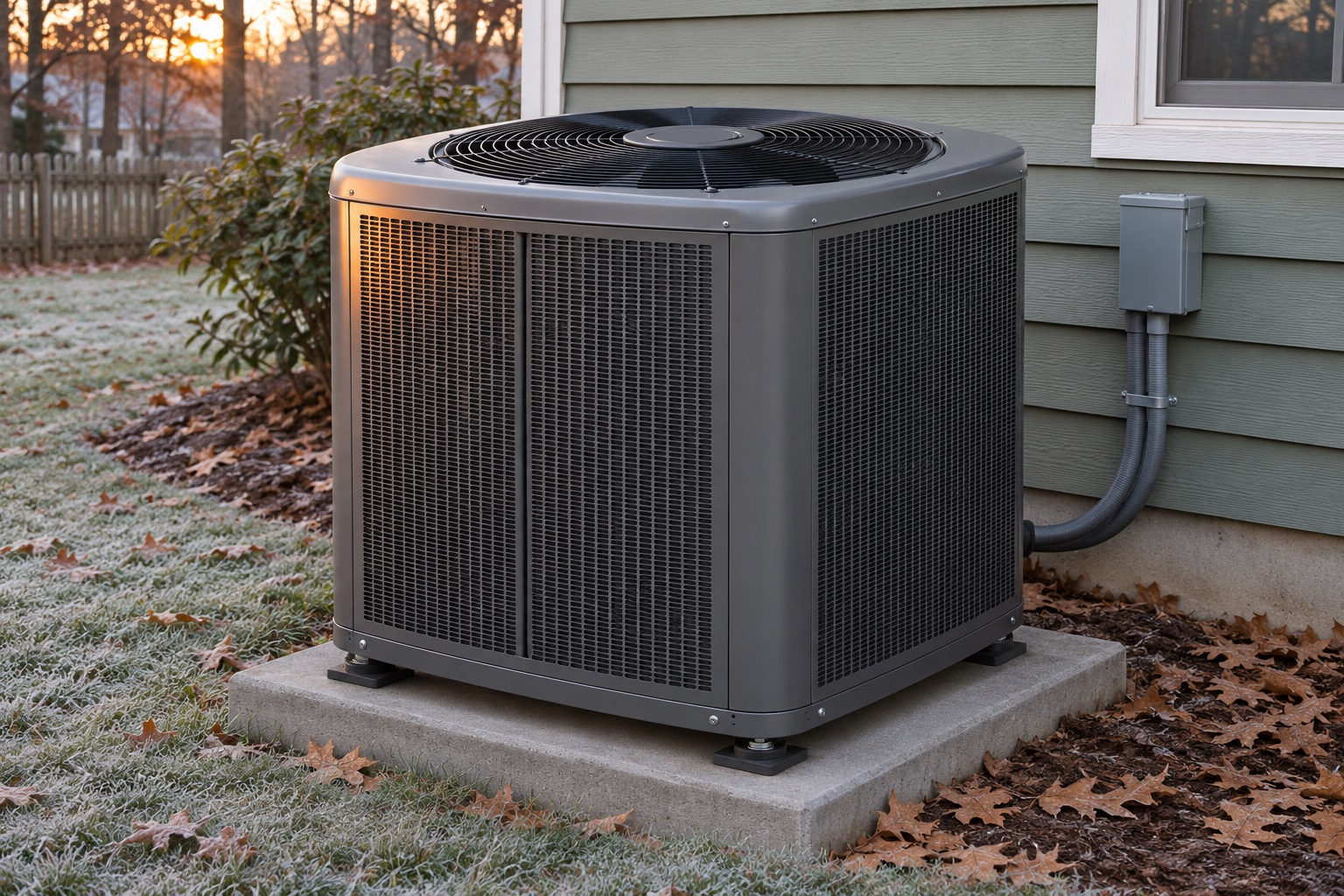
If you are unsure whether your home has a heat pump, gather the equipment model information that is safely accessible and ask Parks. The heat-pump service information can help you prepare questions about your system. An outdoor unit alone is not enough information to choose settings or diagnose a fault.
Check accessible items before the season
ENERGY STAR's maintenance checklist recommends checking thermostat operation and filter condition, alongside professional equipment checks. Follow your system's instructions for a safely accessible filter, including the correct type and replacement procedure.
Schedule maintenance if it is due, or request diagnosis when the system fails to heat, repeatedly stops unexpectedly or makes a new concerning noise. Describe what you observed without trying to identify a failed part. For help planning the next step, use Parks' existing contact and scheduling options or call 704-275-1017.
If you smell gas, leave first
If you smell natural gas or suspect a leak, leave immediately. Do not adjust the thermostat, operate electrical switches or use a phone near the suspected leak. From a safe location, call 911 or your gas utility. Piedmont Natural Gas directs its customers to call 800.752.7504 or 911 from away from the smell and to stay away until responders say it is safe. A routine HVAC appointment is not the first step for a suspected gas leak.
Questions about the first switch to heat
Do I need to wait until November to turn on the heat?
No particular calendar date determines whether your home needs heating. Use indoor comfort, the room temperature and the thermostat's instructions. Charlotte's historical November outdoor averages are context, not a rule for your home.
Does Fan Auto switch the system from AC to heat?
No. Fan Auto controls fan operation. Automatic heating and cooling changeover is a separate System or Mode option when the thermostat and installation support it.
Why does my thermostat say Wait after I choose Heat?
On equipment with compressor protection, Wait may indicate a normal restart delay. Follow the model's documented delay. If that period ends without heating, record the display and request diagnosis.
Should I use Emergency Heat for the first cold morning?
Use normal Heat for routine heating. Emergency Heat is a separate function on compatible heat-pump systems; the X7 manual says it locks out the compressor. Follow your own equipment instructions or a technician's advice.